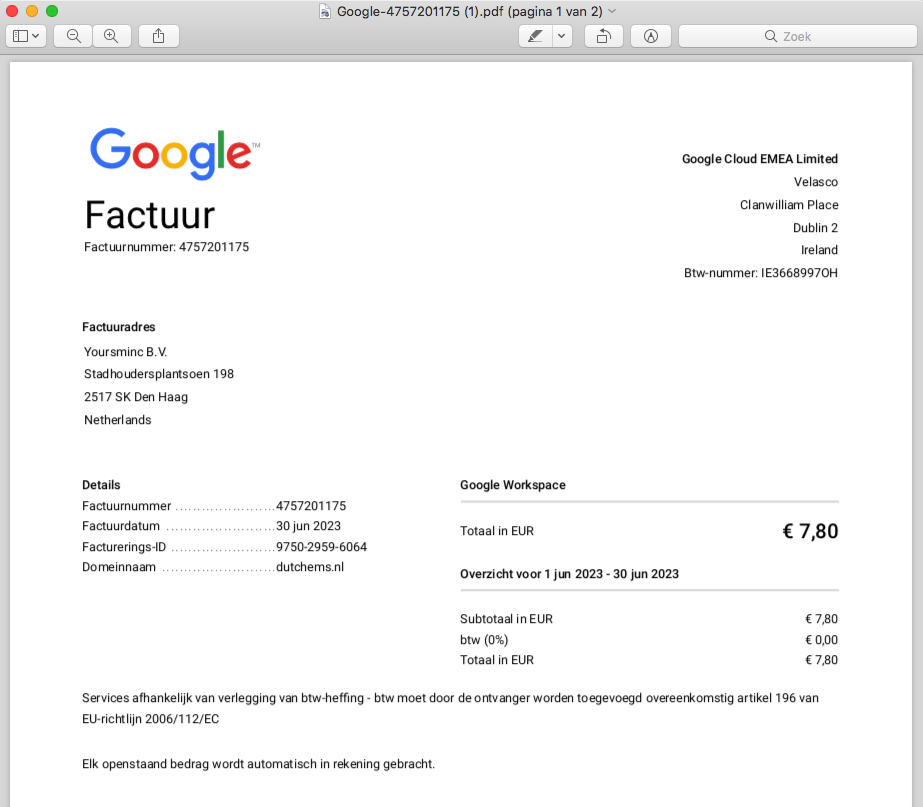
Scan & Capture allows you to upload and process invoices you receive from suppliers. As a result, a so-called Booking Proposal is created, in the form of a Publication in Concept.
Using this function is very simple:
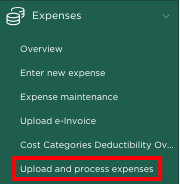
Navigate via the Expenses menu option to Upload and process expenses
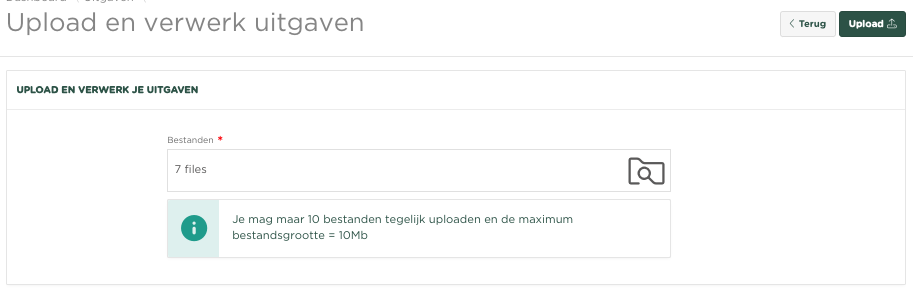
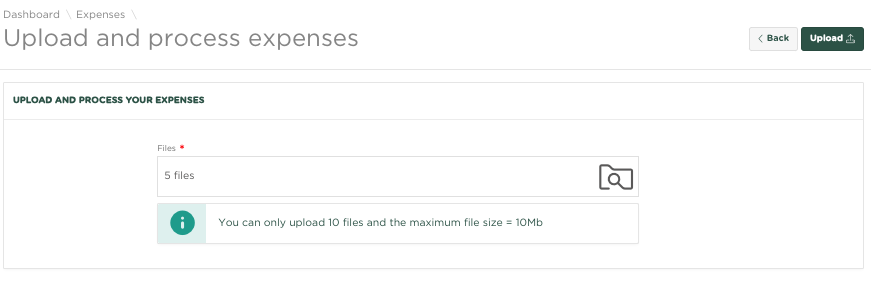
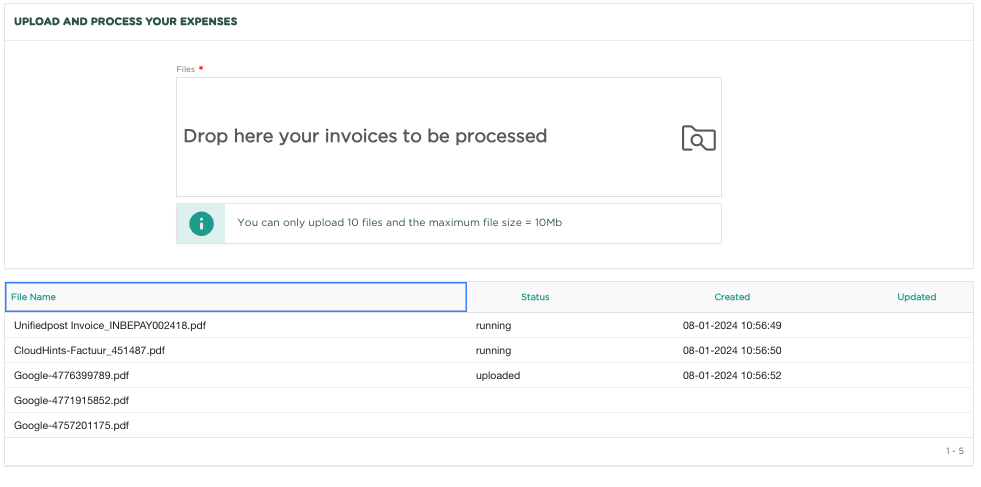
You can now select invoices from your file explorer and drag them to the page, or select invoices by clicking on the icon.
The example above shows about 7 5 invoices that have been selected for processing. Then press
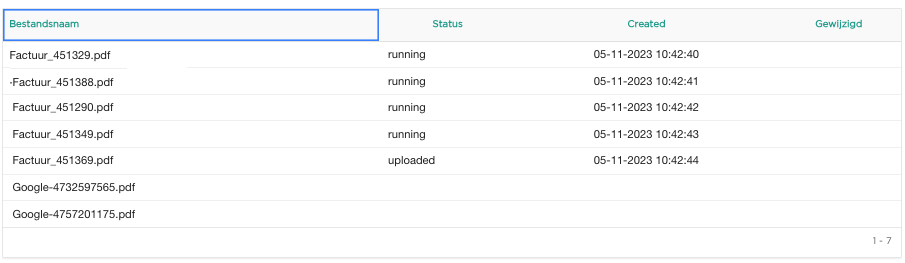
Within the page you will now see the various offered invoices being processed. As soon as this overview is empty, the relevant invoices have been processed and the booking proposals have been created.
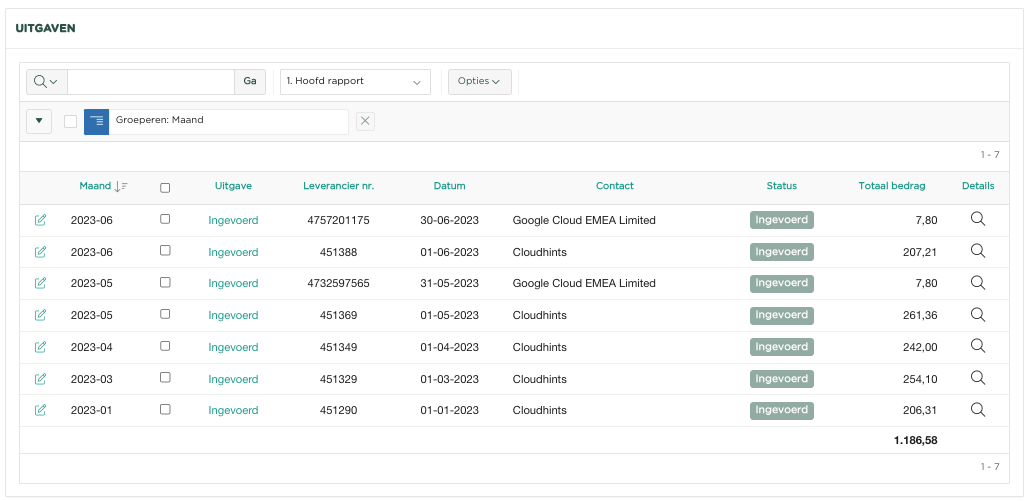
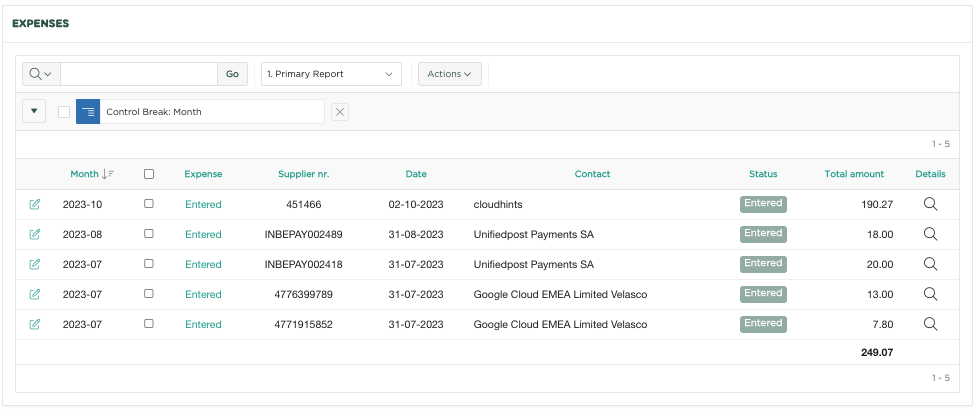
You will now automatically be navigated to the Expenses overview page, where you will see the expenses just offered in Draft Entered mode.
We now open the booking proposal of one of the uploaded invoices:
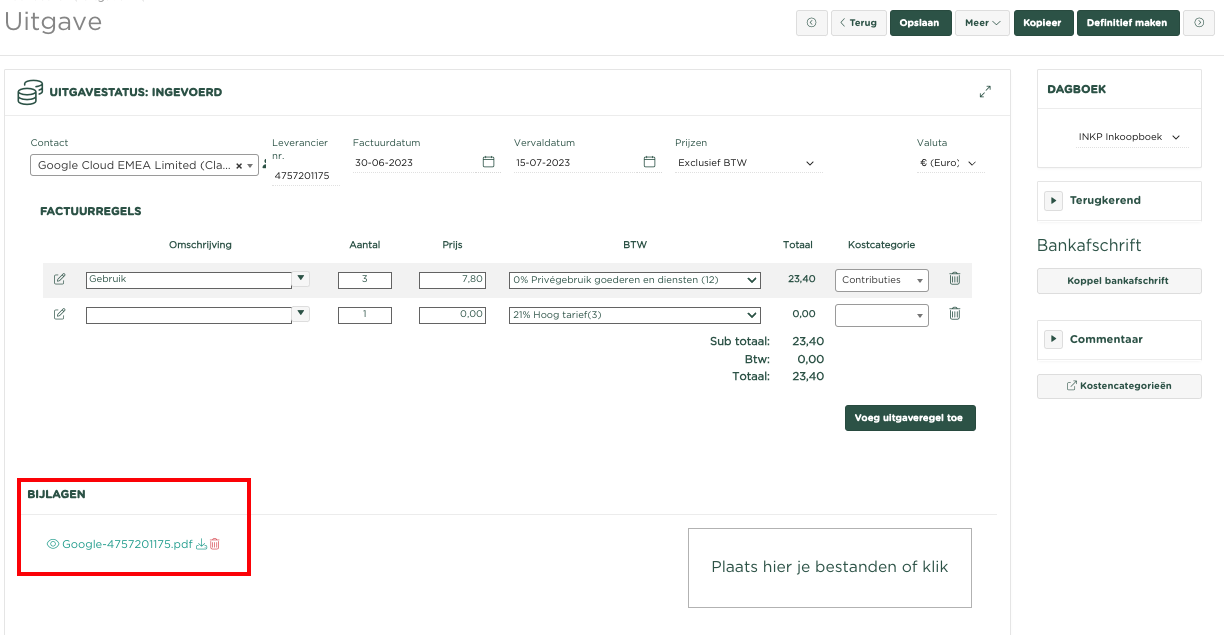
Controleer of alle gegevens correct zijn en bijvoorbeeld aan de juiste kostencategorie zijn toegewezen en druk daarna op  , waarna de uitgave volledig wordt geboekt binnen je administratie en verwerkt binnen de Btw-aangifte.
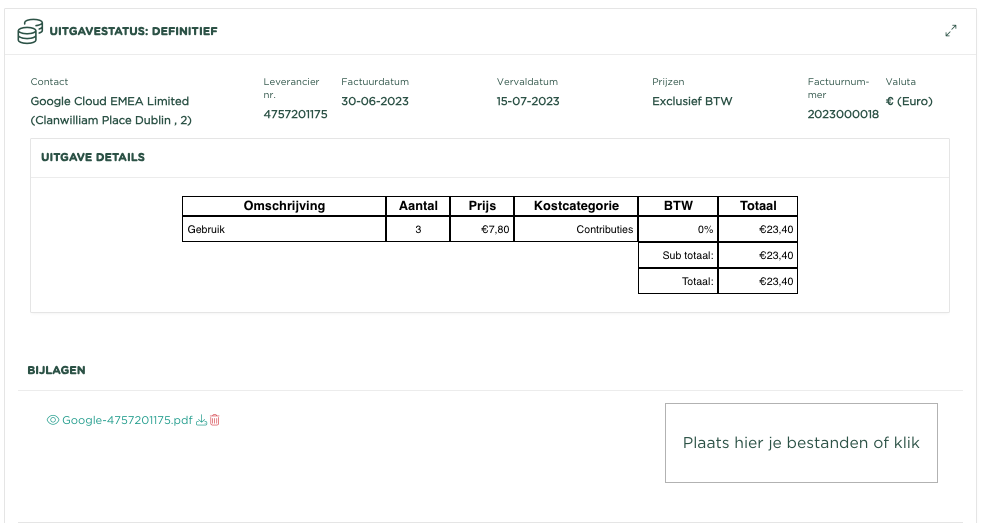
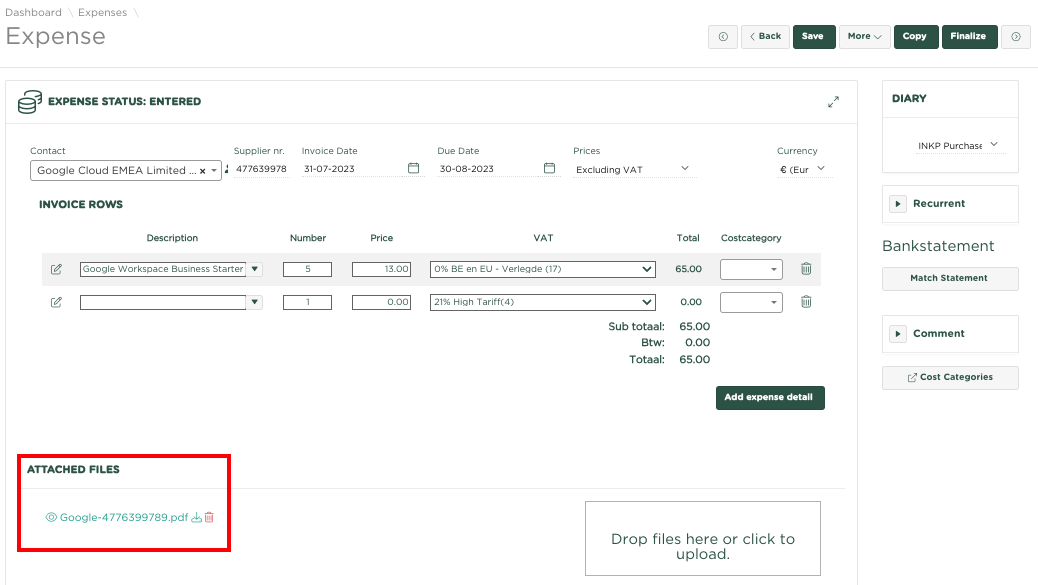
Check whether all data is correct and, for example, has been assigned to the correct cost category and then press  , after which the expense will be fully booked within your administration and processed within the VAT declaration.
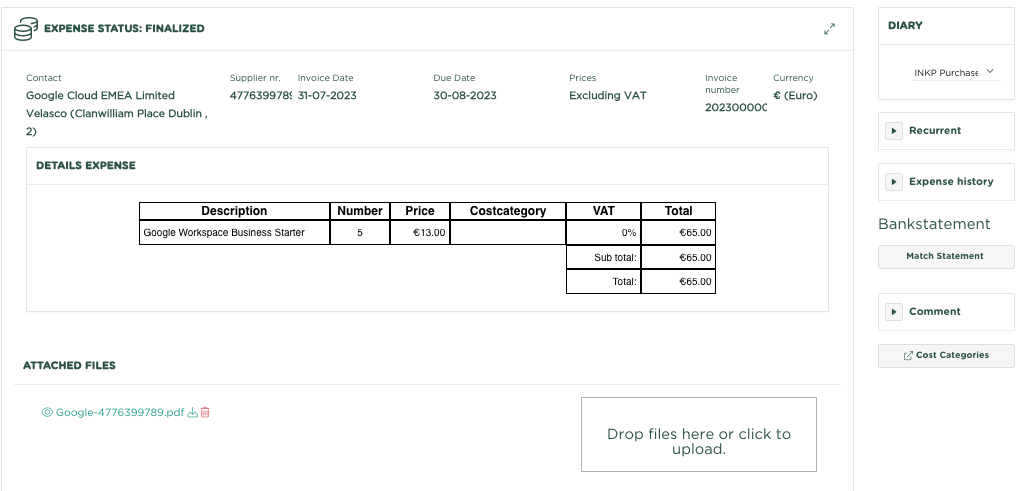
You will see that the invoice in question has also been added to the Edition as a PDF. If you now press the icon, the linked PDF will be shownJe ziet dat de betreffende factuur eveneens aan de Uitgave is toegevoegd als pdf. Als je nu op het icoon drukt, wordt de gekoppelde pdf getoond.