To log in to Banqup, navigate in your browser to https://www.banqup.nl/nl/mybanqup
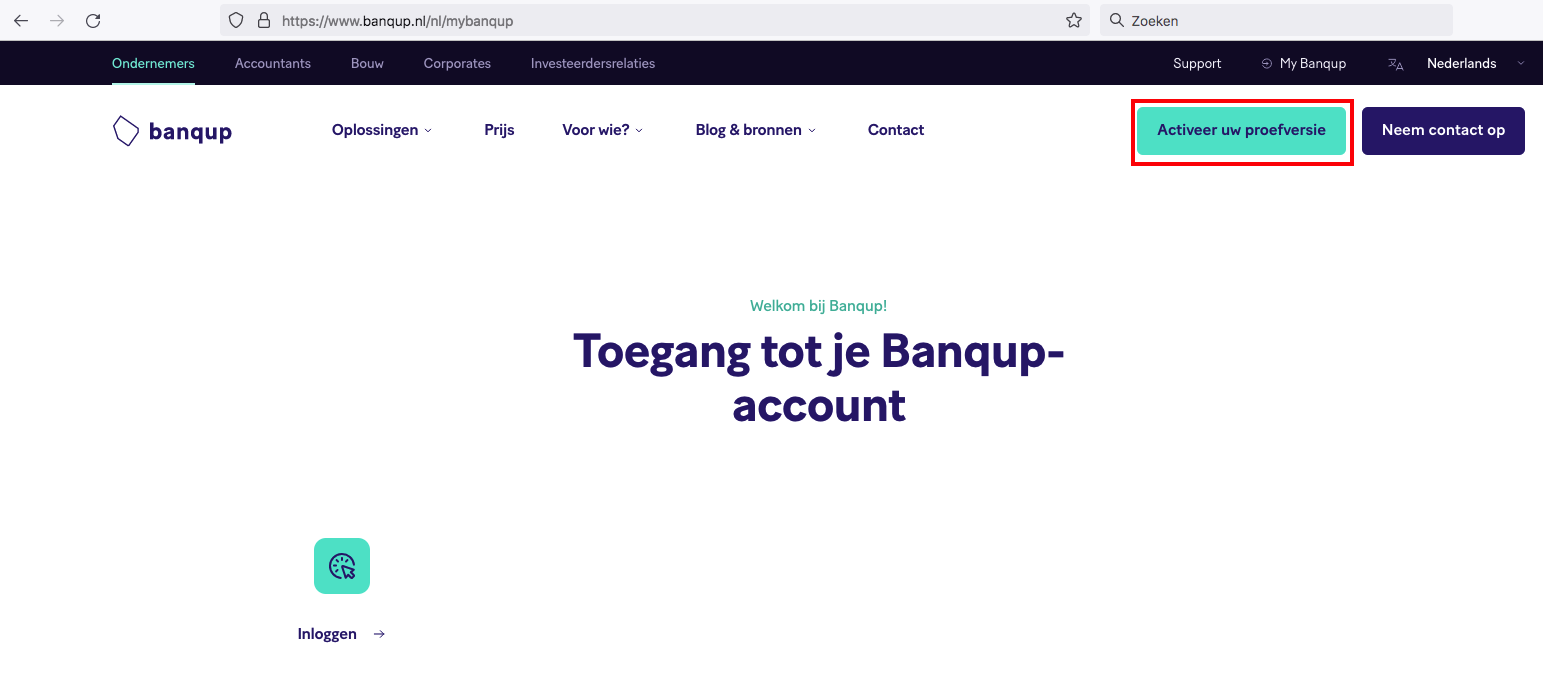
Press Activate your trial
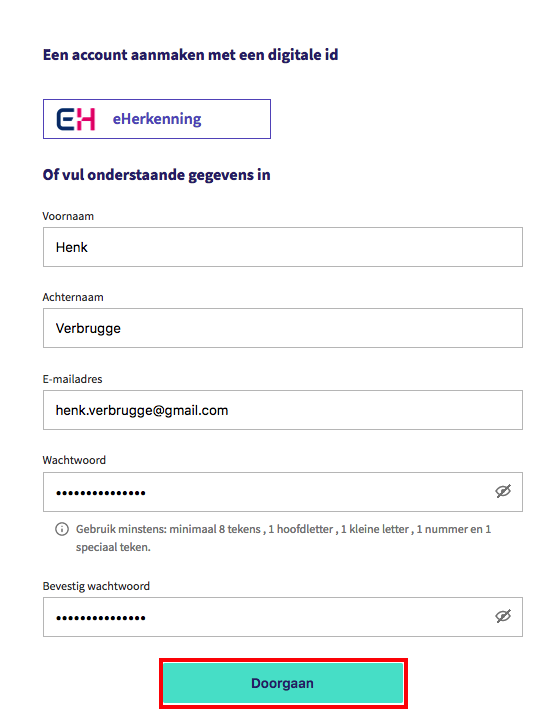
In this example, we enter our information, where we could also have used eHerkenning.
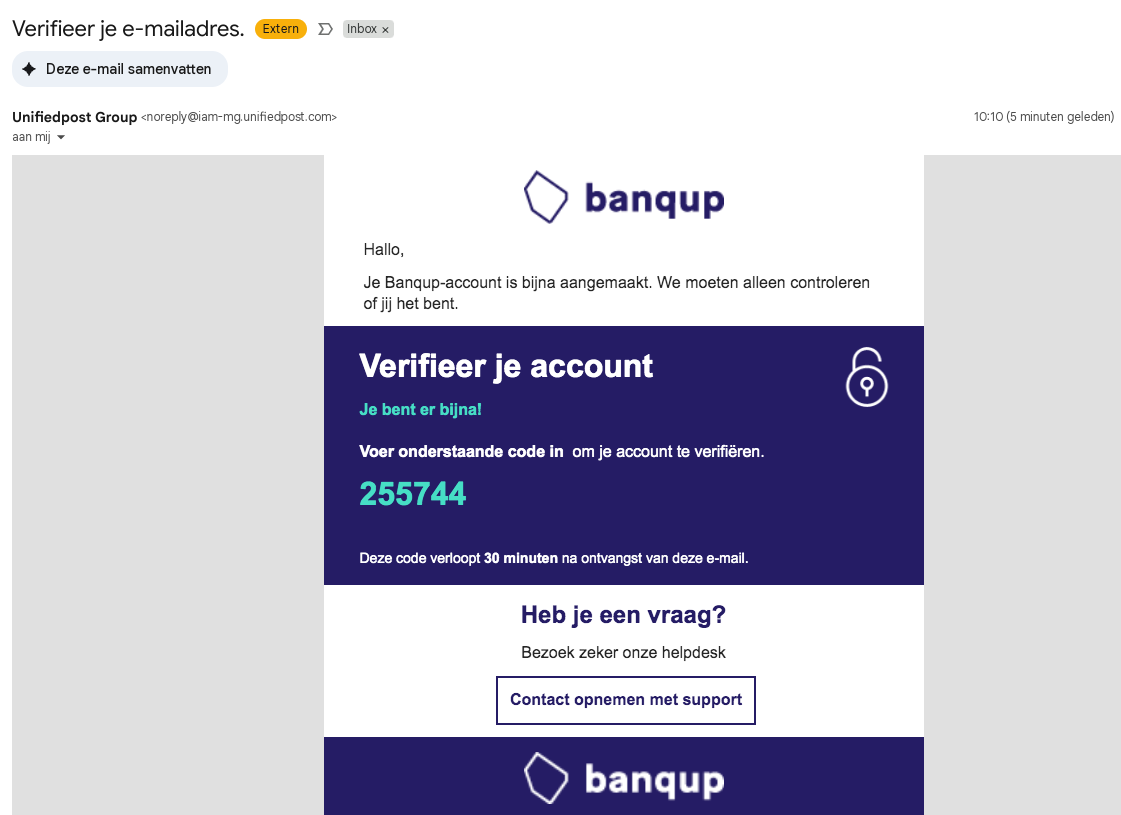
We now receive a confirmation email with the code to use for registration.
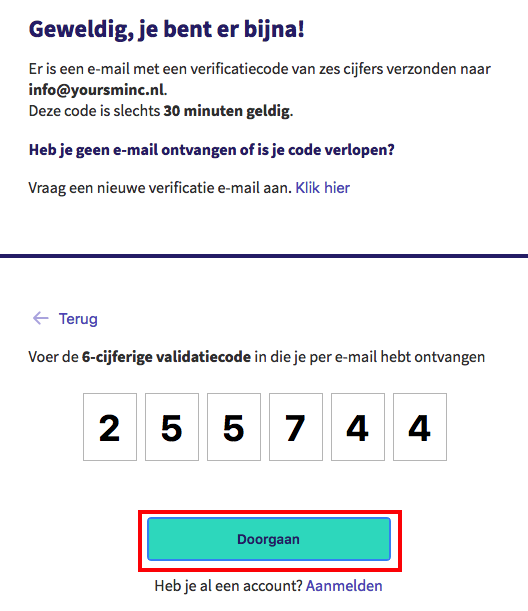
We now enter the code received in the email and press Continue
You can now complete the registration of your company
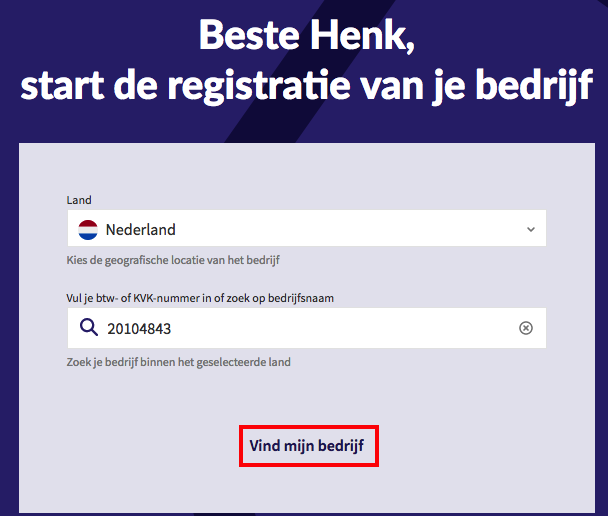
Enter all requested information and press Continue
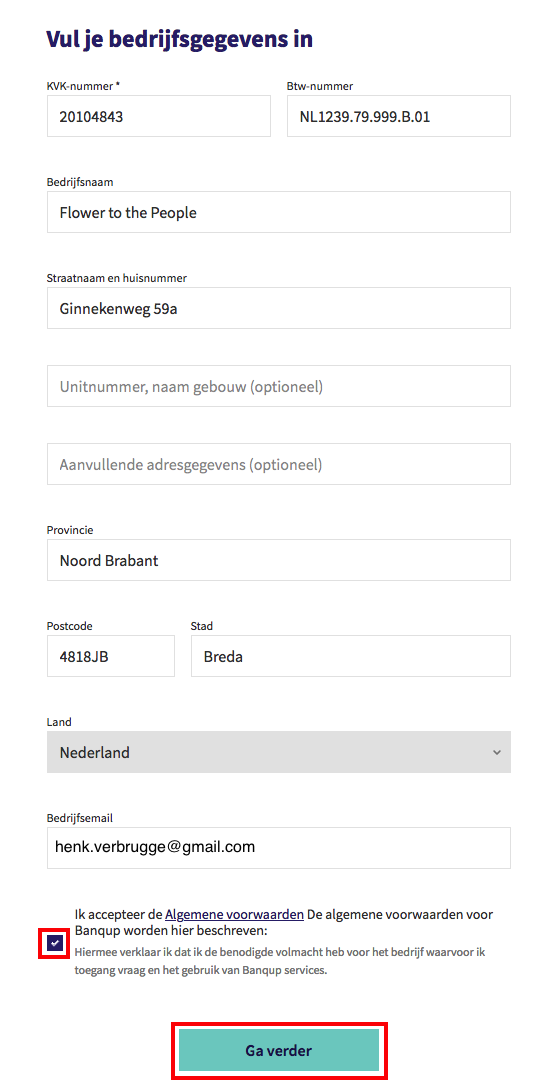
You should now be able to log in to the Banqup portal
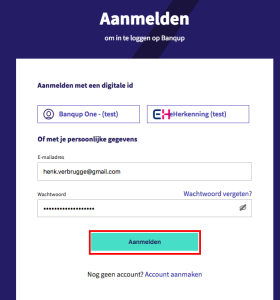
Enter your email address and password and click Log in.
You will now need to grant Yoursminc access to your account so invoices can be shared between Yoursminc and Banqup.
See Granting Yoursminc access to your Banqup account for more information.